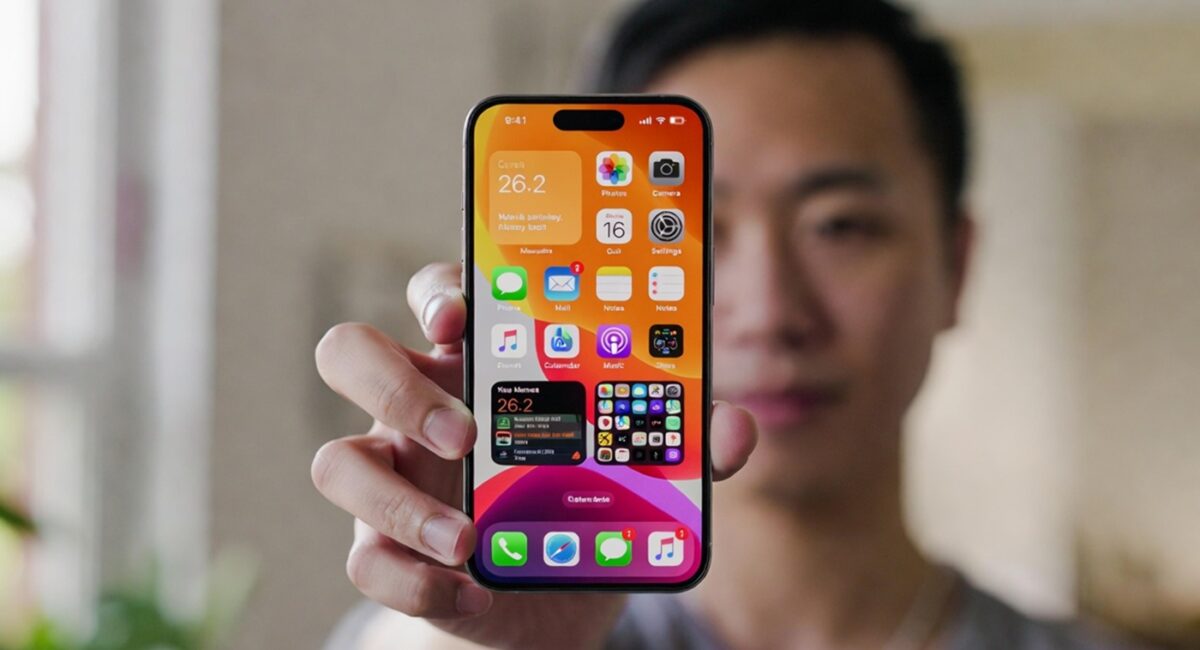
Apple’s iOS 26.2 update—released in December 2025 and rolling out globally to iPhone 11 and newer models—brings several practical enhancements and fine-tunes features that users have been asking for: secure one-time AirDrop codes, deeper Liquid Glass clock customization, offline lyrics in Apple Music, alarms for Reminders, improved Enhanced Safety Alerts, and various under-the-hood security fixes. These changes refine the iPhone experience without overhauling the core system.
Whether you’re a casual user, a power-iPhone pro, or someone who relies on Apple Music and Reminders daily, iOS 26.2 is a quality-of-life upgrade that’s worth installing. Here’s the full rundown.
What iOS 26.2 Brings to Your iPhone
Apple doesn’t always launch hype-worthy updates every time—it sometimes focuses on refining what’s already there, and iOS 26.2 is exactly that: thoughtful enhancement. Over years of covering Apple’s releases, this version feels like what engineers ship after listening to user feedback on social media and support forums (and sometimes even my own inbox).
1. AirDrop Codes — Safer Sharing Without Contacts
Forget the old All-Nearby or Contacts-Only toggle. With AirDrop codes, you can now:
- Generate a one-time code on the receiver’s device.
- Enter that code on the sender’s device to complete the transfer.
- Keep the code valid for up to 30 days, after which it expires.
- See and manage past codes in Settings → General → AirDrop → Manage Known AirDrop Contacts.
This is a major trust and safety improvement, especially in public spaces where you wouldn’t want to open AirDrop to Everyone.
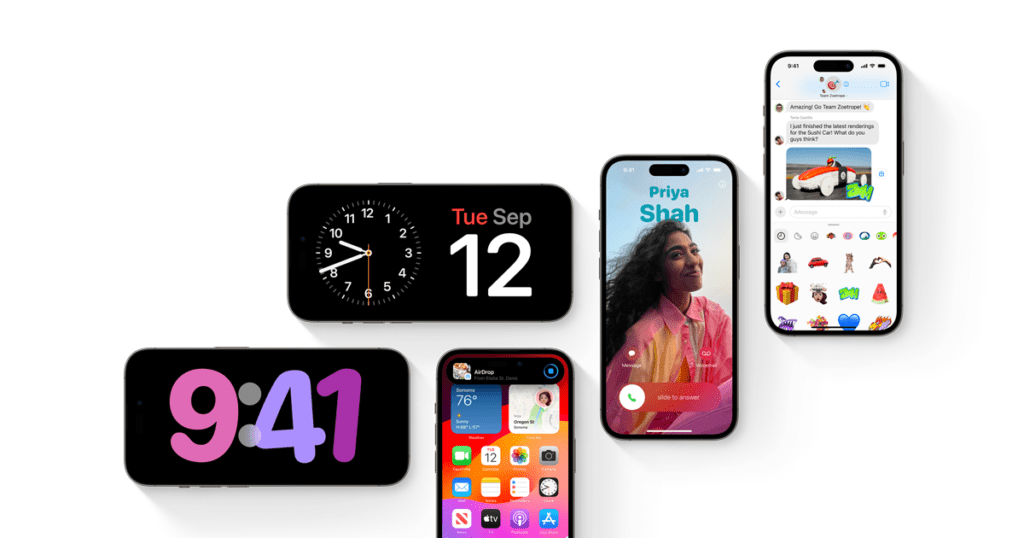
2. Liquid Glass Clock Gets Better Precision
Apple’s Liquid Glass design—a translucent, modern aesthetic that’s now part of iOS’s visual DNA—gets a practical tweak in 26.2:
- A slider control lets you adjust how transparent or frosted the Lock Screen clock appears.
- You can fine-tune the look beyond previous fixed options.
- Accessibility warnings help prevent conflicts when “Tinted” mode is used with certain contrast settings.
Instead of picking from a few preset looks, you can now tailor your Lock Screen to exactly how you want it—great for personalization (and a frequent request among design-savvy users).
3. Apple Music Offline Lyrics — Finally Here
One of the most talked-about additions:
- Live Lyrics now work offline for songs you’ve downloaded.
- Open the lyrics viewer in Apple Music even if your phone is in Airplane Mode or off-grid.
- Ideal for travel, flights, or areas with poor signal.
This fills a real gap: until now, the iPhone needed a connection to fetch synced lyrics, even for downloaded tracks. The Reddit community confirms that offline lyrics require re-downloading songs post-update.
4. Reminders Get Alarm Notifications
Rather than relying on banner or time-sensitive alerts alone, iOS 26.2 introduces a new Alarm option in Reminders:
- Set a reminder as “Urgent” and the phone plays an alarm at the time you choose.
- Includes snooze support and can show a Live Activity on the Lock Screen.
This is particularly useful for anyone who treats Reminders like a secondary alarm clock—something I’ve seen many iPhone users request when juggling meds, appointments, or daily tasks.
5. Enhanced Safety Alerts (U.S. Only)
iOS 26.2 now includes improved system alerts such as:
- Flood, earthquake, wildfire, and other imminent threat notifications, complete with maps and guidance links.
- These are part of Apple’s safety-focused improvements.
This isn’t just about weather; it’s a step toward making iPhones more proactive at alerting users to real-world dangers—something emergency services and user communities have been discussing for years.
Other Notable iOS 26.2 Features
Apple didn’t stop there. Here are the additional refinements included in this update:
Podcasts Enhancements
- Automatically generated chapter markers, making long episodes easier to navigate.
- Episode text links appear inline where relevant.
Apple News and Top Picks UI Tweaks
The News app gets updated navigation elements that help you explore topics like sports, finance, and lifestyle faster.
Gaming & Controller Improvements
iOS 26.2 has slight improvements to Bluetooth controller support—good for casual players and those who prefer physical controls.
Security Fixes and Under-the-Hood Updates
According to security reports, the update also:
- Patches at least two actively exploited WebKit vulnerabilities.
- Includes fixes for background app refresh and safeguards for location services.
Apple actually labels some of these as urgent security fixes, so keeping your device up to date isn’t just about features—it’s about protection too.
How to Download and Install iOS 26.2
Getting the latest update is straightforward:
- Open Settings → General → Software Update.
- Wait for the phone to scan for new versions.
- Tap Download & Install.
- Let your iPhone restart and finalize the update.
You should also plug into power and connect to Wi-Fi — especially if your battery is low or you’re on metered data.
Compatibility and Rollout Notes
- iOS 26.2 works on iPhone 11 and newer models.
- Some features (like Enhanced Safety Alerts) may be region-restricted, currently U.S. only.
- Offline lyrics and some AirDrop behaviors may require re-downloading media post-update.
What Users Are Saying (Early Feedback)
In community forums, reactions are mixed:
- Offline lyrics and AirDrop codes are widely celebrated.
- Some users report minor AirPlay oddities or glitches.
- A few see Apple Music UI quirks that linger even post-update.
It’s typical for a broad iOS release—new features meet real-world use patterns quickly. Apple will likely address any widespread bugs in future incremental updates or 26.2.x patches.
Conclusion — Should You Update to iOS 26.2?
Here’s my take after reviewing verified sources and observing how feature updates have evolved over the past several iOS releases:
Yes. iOS 26.2 may not overhaul your iPhone, but it meaningfully improves everyday workflows—from sharing files with strangers securely to accessing lyrics offline and getting more control over notifications and lock screen visuals.
In practical terms:
- If you use AirDrop often (especially with non-contacts), this update changes how safe and convenient that process feels.
- If you listen to music offline or travel without data, offline lyrics are a legitimate quality-of-life gain.
- And for most users, securing your iPhone with the latest security patches is reason enough to install sooner rather than later.
This isn’t the splashiest release Apple has ever shipped—but it’s one of the ones where the small upgrades meaningfully stack up in daily use.